



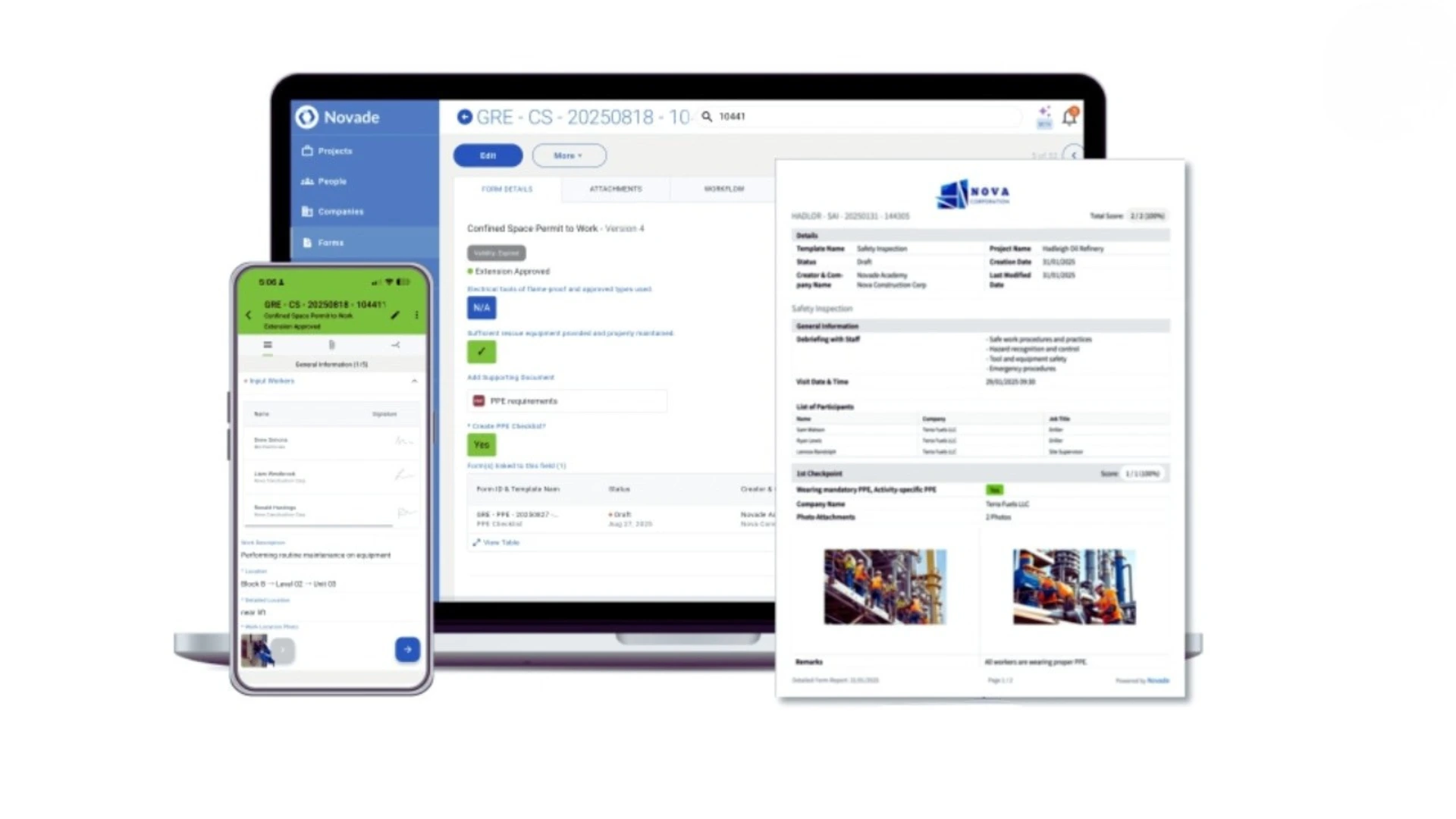
Go digital faster with AI
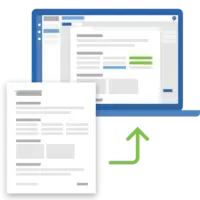
Digitise
Replace paper forms or spreadsheets with digital forms, built faster with AI.
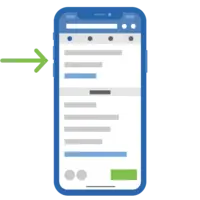
Capture
Complete forms on site by tapping, speaking or scanning. Work offline when needed.
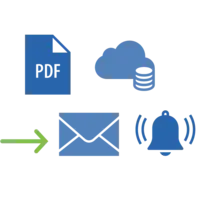
Manage
Route submissions for review. Track approvals and keep everyone informed.
Analyse
Use dashboards to see progress, spot trends and identify issues.
Turn your process into a working field app in minutes
Still managing site processes with PDFs or spreadsheets? Upload a PDF and Novade AI will create an editable form template that you can refine with rules and approval steps. Publish it, and your team can use the new process in the Novade mobile app, without coding or deploying a separate application.
You can also start with a form from our template library.
Smart tools to facilitate data capture

Speak
Turn spoken observations into structured form entries with speech-to-form.
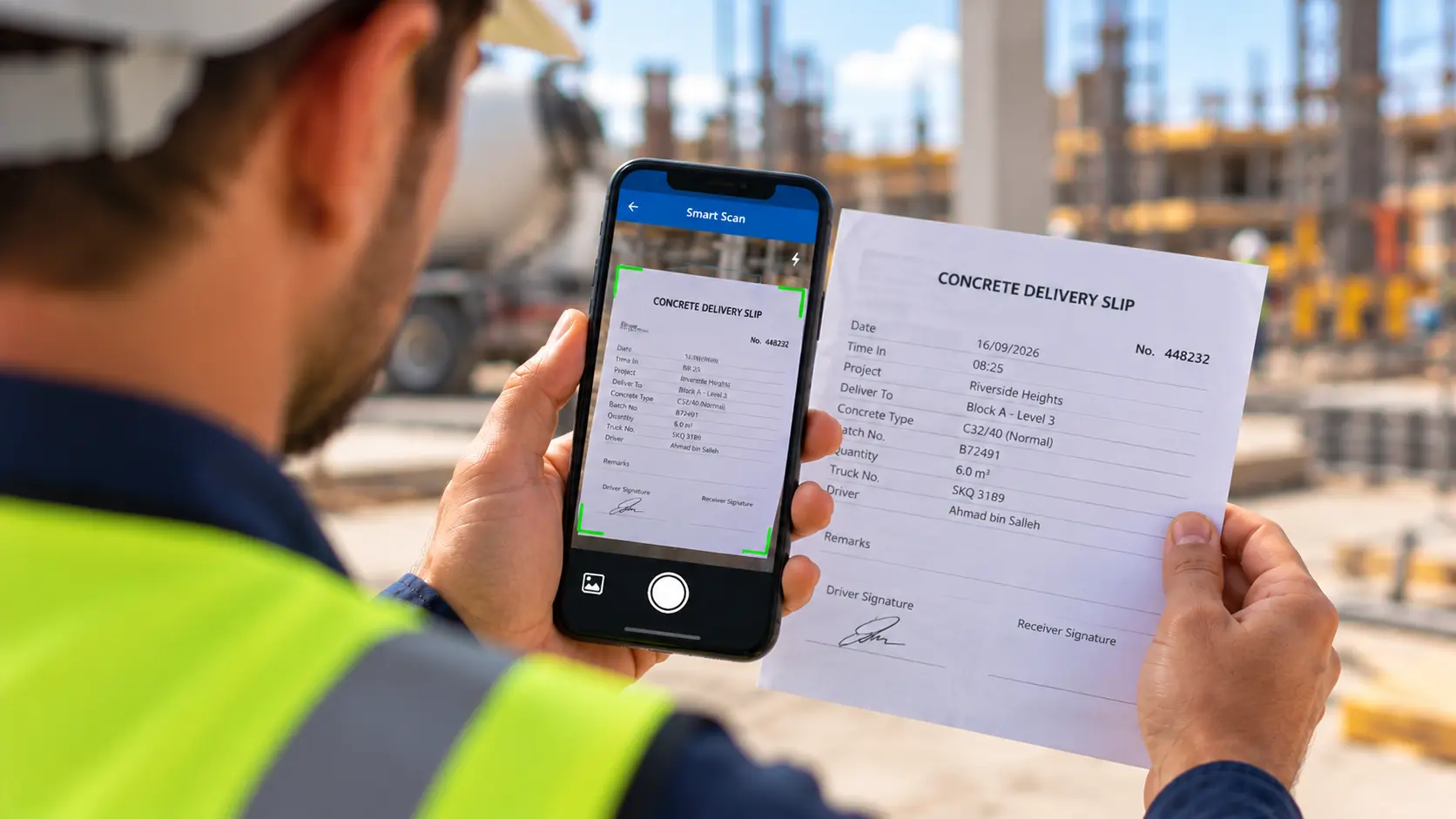
Scan
Use Smart Scan to extract information from a photo or document and help fill the relevant fields.
QR codes
Scan QR codes, to identify a location, a worker or start a form
Geo location
Record GPS coordinates. Integrate with blue tooth tracking systems
Notifications
Receive real-time alerts for assignments, comments, and workflow updates
Digital signatures
Approve documents securely from mobile devices
Keep every process moving
- Route forms to the right people for review and approval.
- Guide submissions with required fields, conditional logic and calculations.
- Keep teams informed with notifications, comments and live statuses.
- Maintain a clear history of each form, including what happened and when.
Build the exact view you need
- Generate dashboards from data captured in forms and site activities.
- Use drag and drop widgets to create or update custom views in minutes.
- Track progress, approvals and other key indicators across projects, locations and teams, without rebuilding spreadsheet reports.
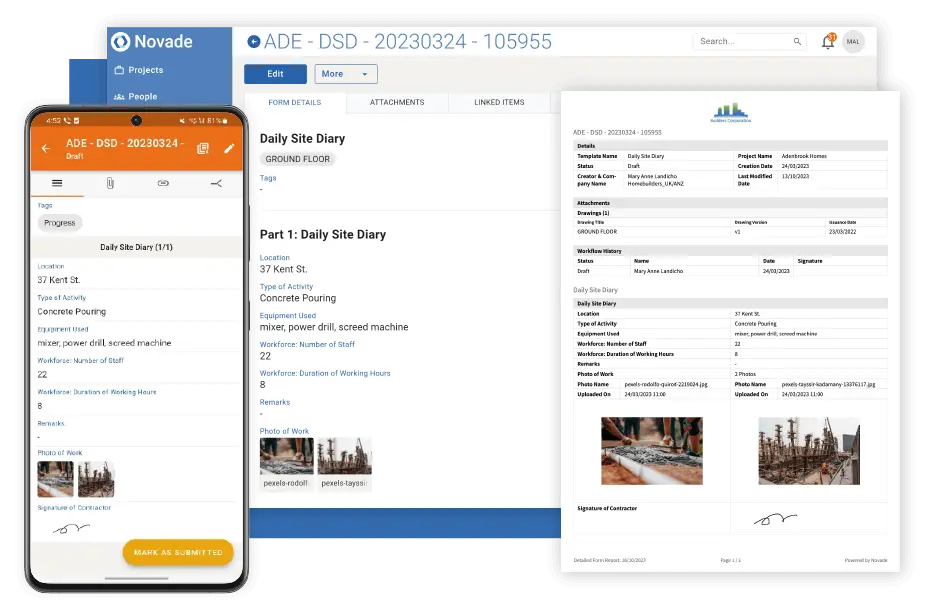
Reports in the format you need
Generate standard PDF reports in one click. And when a client requires a specific layout, create a custom report template to match it.
Both formats draw on your completed forms, including photos and signatures, so there’s no need to enter the same information twice.
One forms engine. Many field processes.
Configure flexible forms for any field process, from permits and inspections to daily reports.
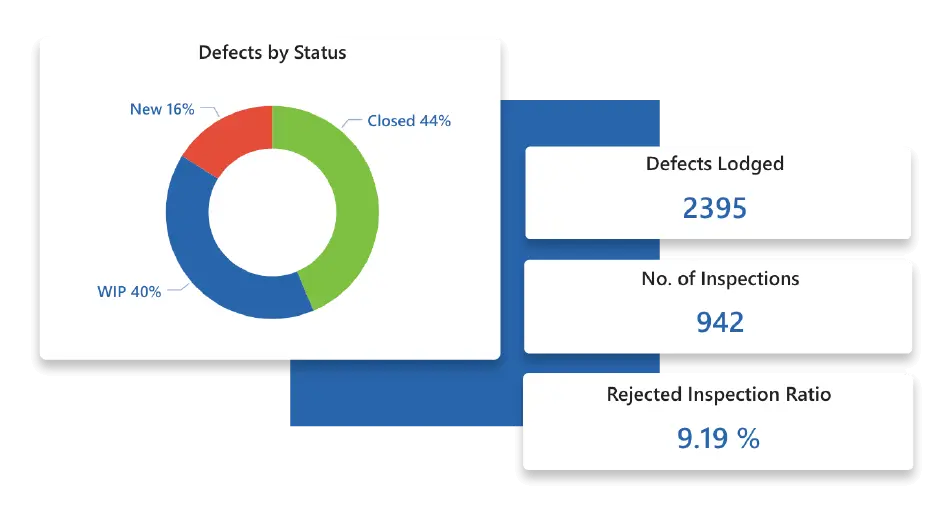
Put your field data to work
A completed form is more than a record. Consistent data across projects helps you see which processes are overdue, which findings keep recurring, how long approvals take and where teams need support.
Explore these patterns with Novade insights extension. Use what you learn to resolve recurring problems, improve processes and measure the results.
Make a difference with Novade
Save time
Use AI to create templates and capture information faster. Automate routine steps and reporting.
Improve control
Standardise processes, guide approvals and keep a traceable record of field activity.
Improve performance
Turn consistent field data into dashboards that help your team see trends and act sooner.
FAQ
– Daily reports – record progress, labour, equipment, materials and site conditions.
– Inspection forms – document quality checks, hazards, defects and corrective actions.
– Permits to work and risk assessments – identify hazards and confirm controls before work begins.
– Equipment forms – record inspections, maintenance and equipment condition.
– Timesheets – track labour hours and attendance.
– Punch lists – record outstanding work and defects before completion.
– Safety inspections – record hazards, controls and corrective action
Digital forms help teams keep records consistent, improve compliance and make information easier to share and retrieve.
Centralised storage: Keep templates and completed form data in one place for easy access and retrieval
Mobile access: Complete forms on smartphones or tablets from the field, online or offline.
Collaboration: Share completed forms, add comments and keep team members informed of updates and actions.
Novade form templates help teams collect reliable data, standardise processes and simplify reporting across projects.