


Construction progress tracking software
Automate site diaries & monitor project progress with actionable data
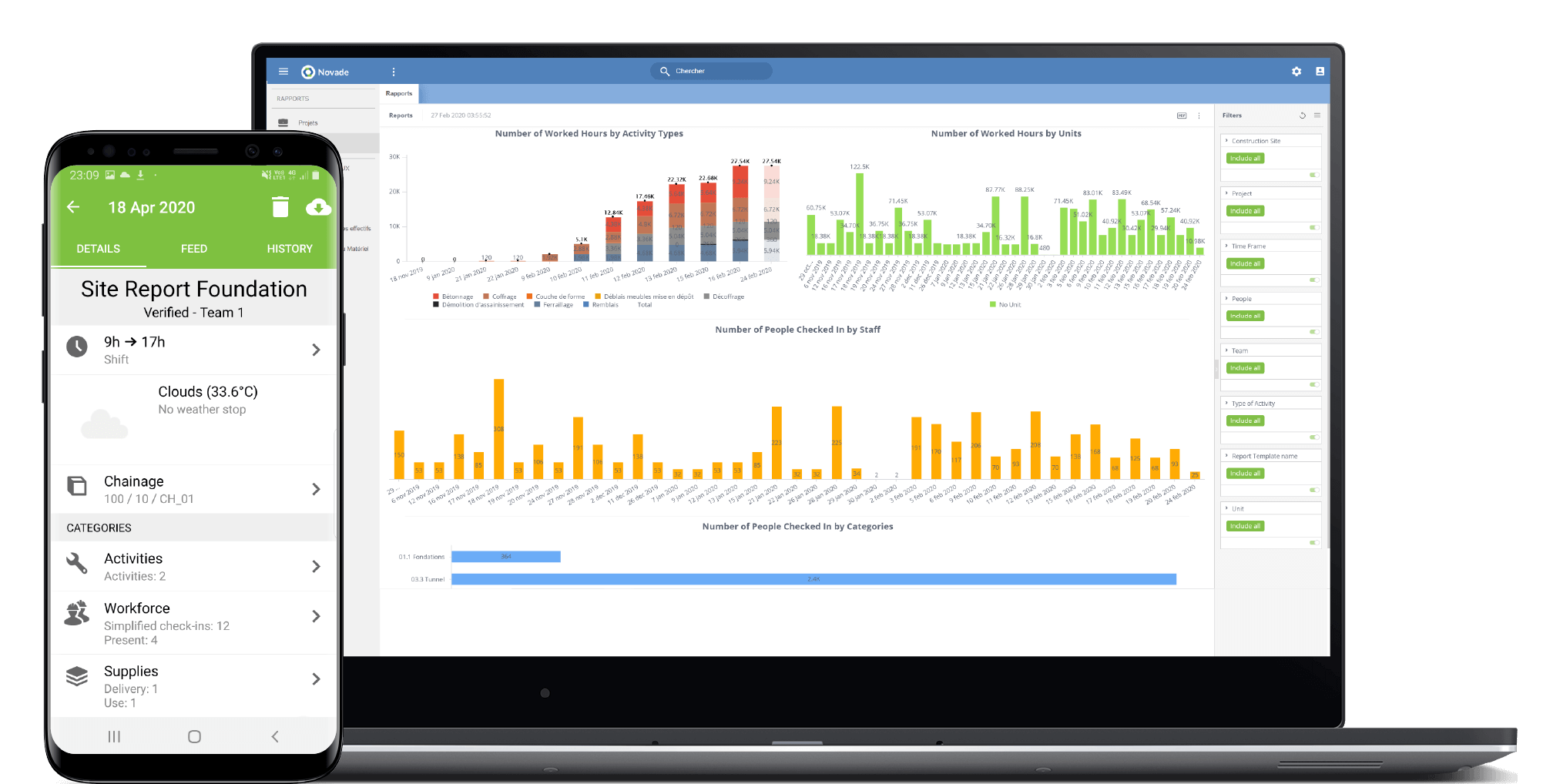
Track progress in the field

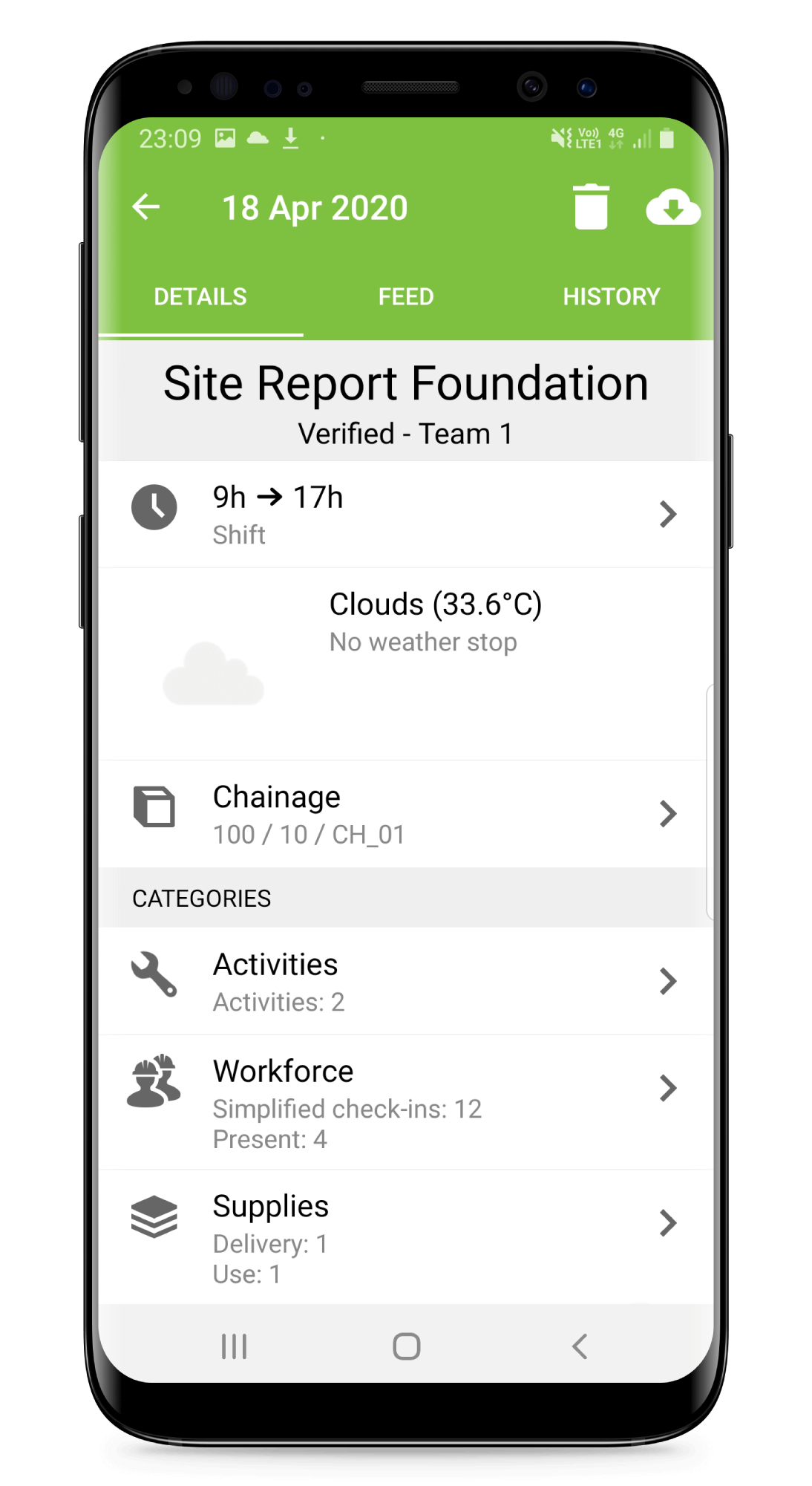
Work Shift
- Select the shift for each team

Location
- By zone or GPS coordinates

Weather
- Capture temperature, humidity, air pressure (manually or via APIs)

Activities
- Progress & production data
- Start, duration & completion time

Supplies
- Check-in supplies delivery
- Track supplies consumption per activity

Workforce
- Conduct team check-ins
- Track allocations per activity
Equipment
- Conduct equipment check-ins
- Track usage per activity
Real-time Access of Production Information for All Stakeholders

Management
can access actionable productivity data and extensive site history.

Clients
and other stakeholders receive curated reports, facilitating communication and collaboration.

Site managers
can validate reports, automate reporting and monitor productivity on construction sites.

Supervisors & foremen
can submit data from mobile devices and get notified when actions are required.
Record all relevant data from the field
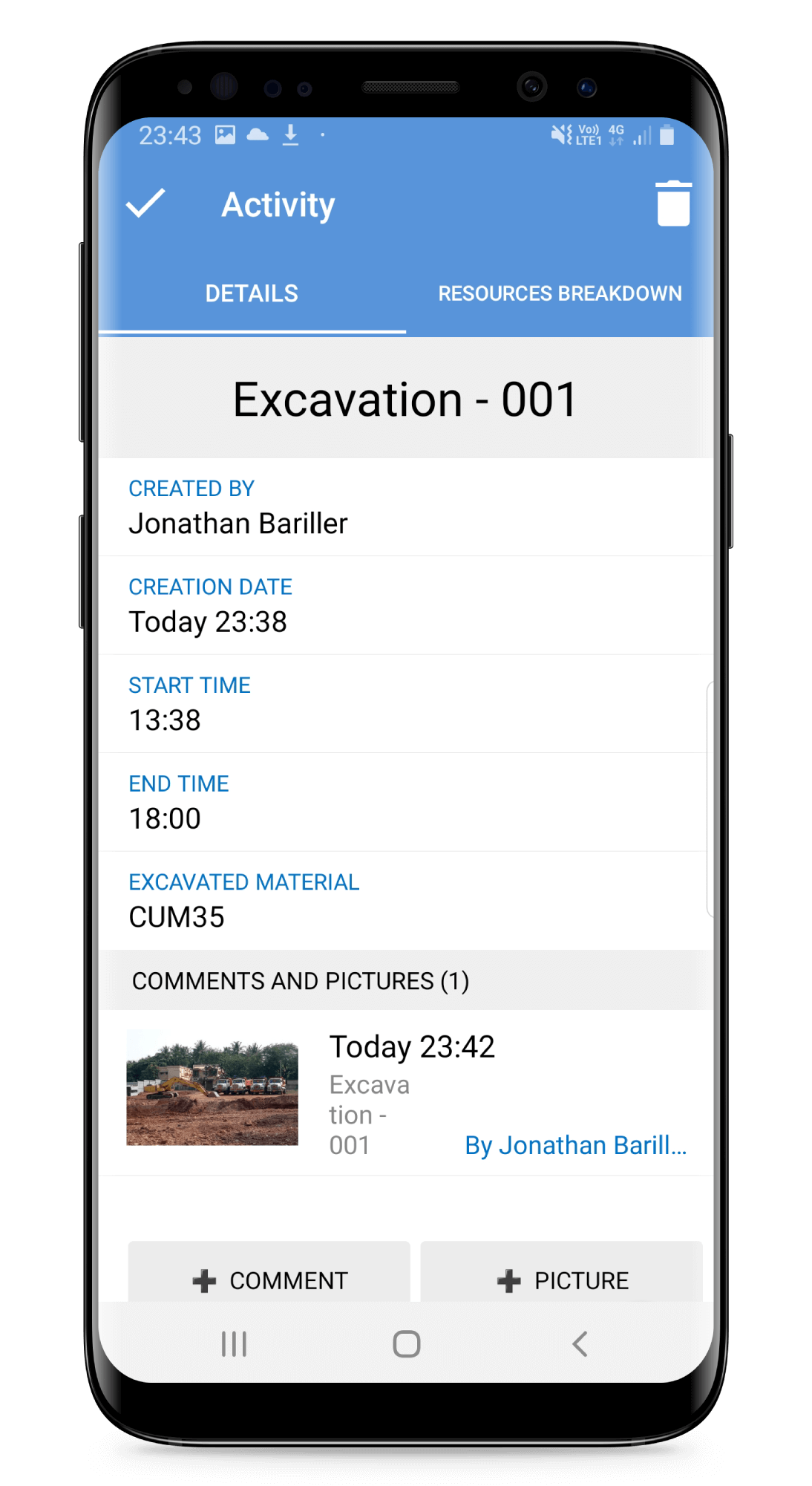
Site activities & progress
Monitor performance, progress and productivity.
Monitor performance, progress and productivity.
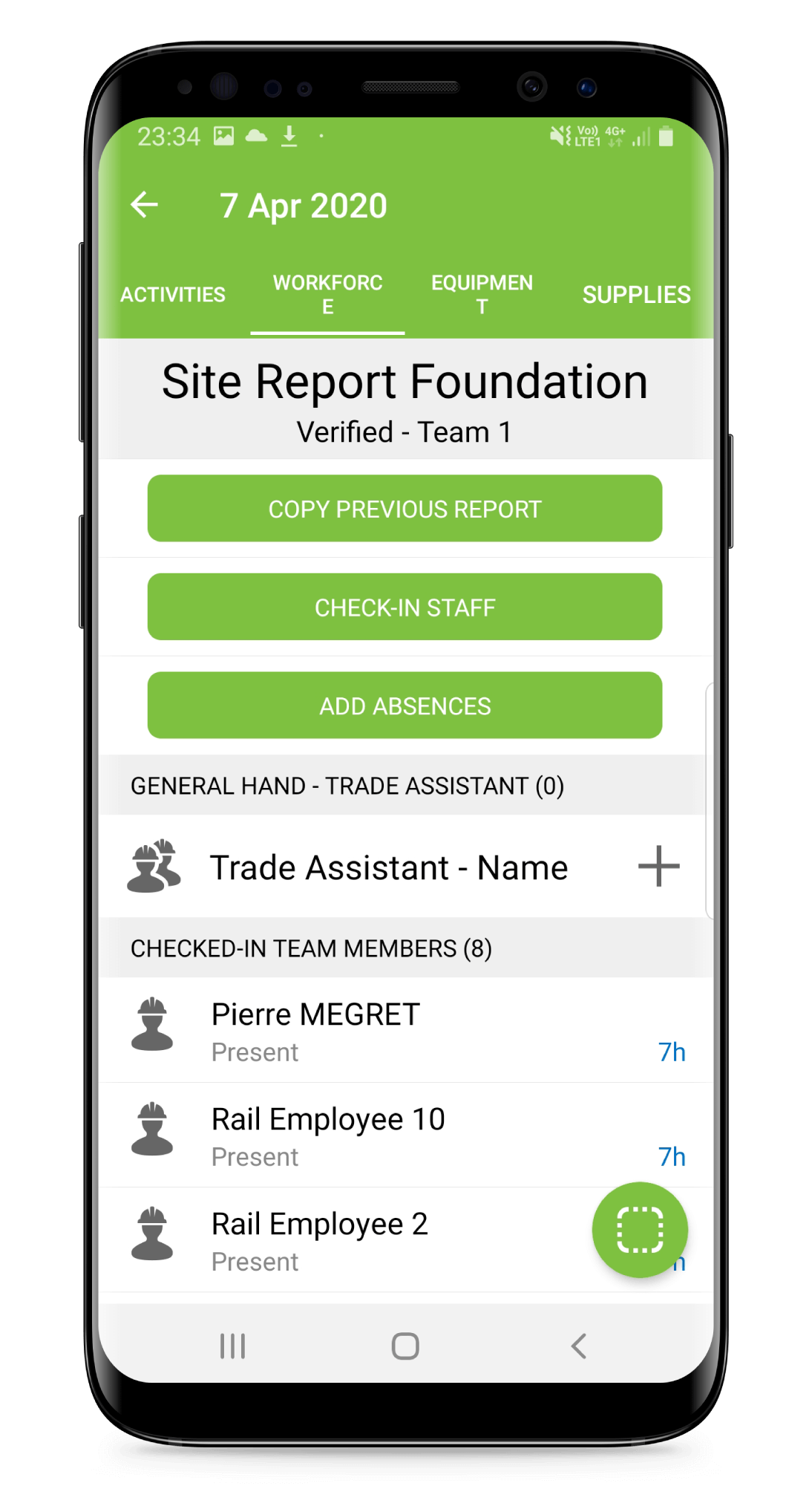
Workforce working hours
Manage team members with greater efficiency and transparency.
Manage team members with greater efficiency and transparency.
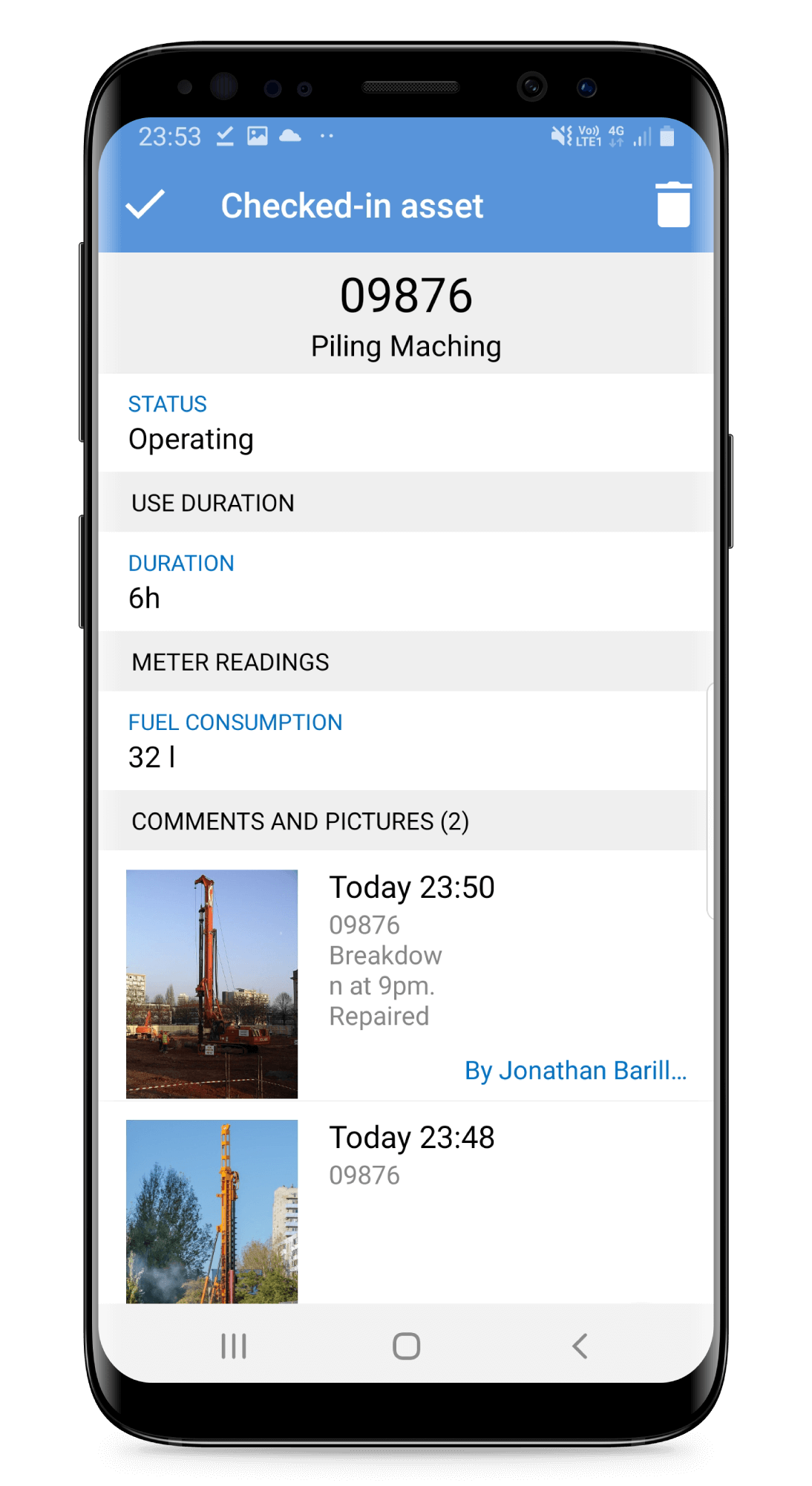
Equipment usage
Maximise every asset with robust equipment utilisation reports.
Maximise every asset with robust equipment utilisation reports.
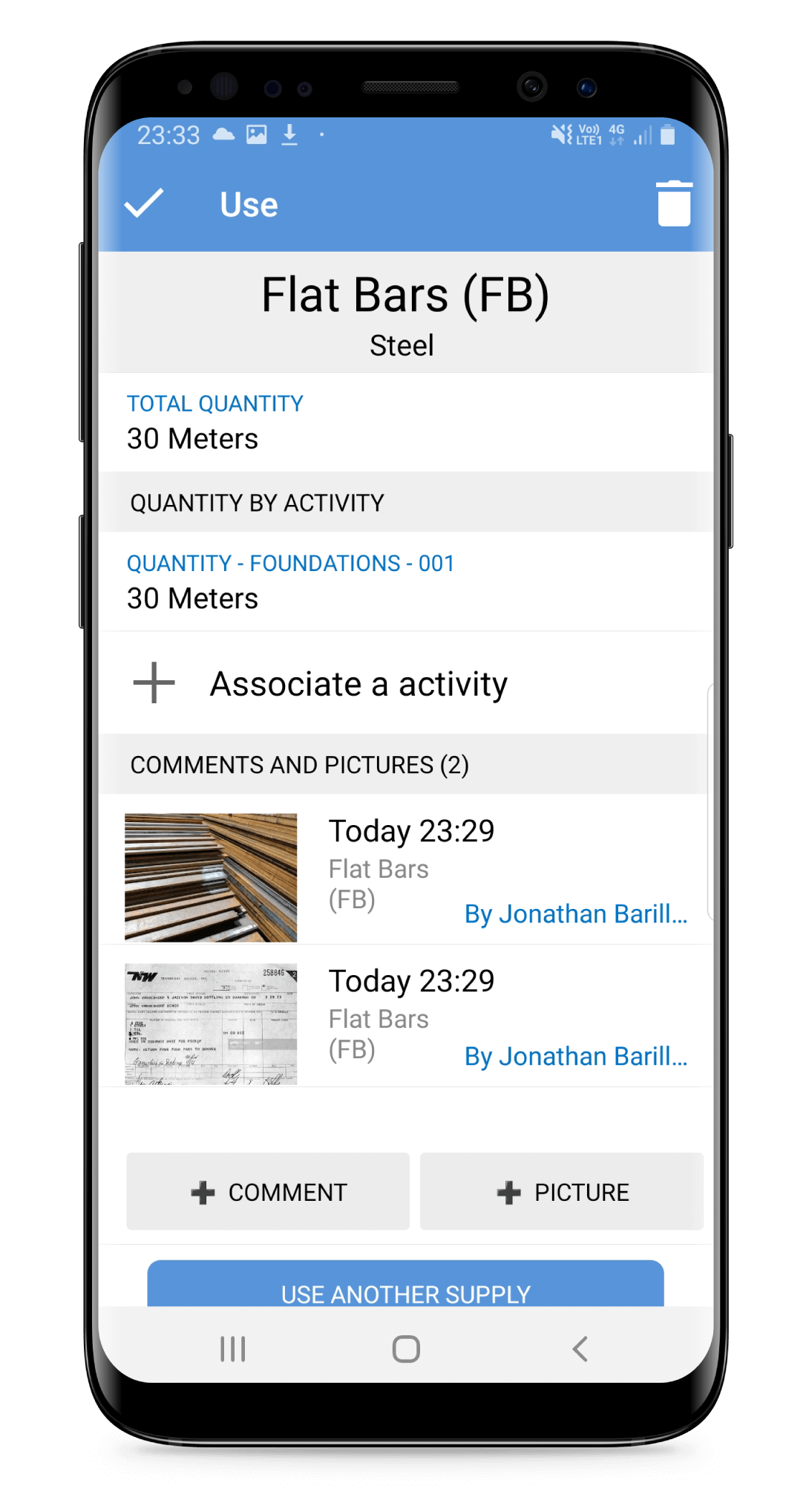
Supplies & usage
Efficiently manage inventory control and procurement.
Efficiently manage inventory control and procurement.
Aggregate data & automate report generation
Once single source of truth, easy to trace and automatically distributed in the right format
DATA COLLECTION
Work Shift Hours

Weather

Site Activities

Workforce

Equipment

Supplies
DAILY REPORTS

Team Reports
SITE DIARIES

Client Reports

Management Reports
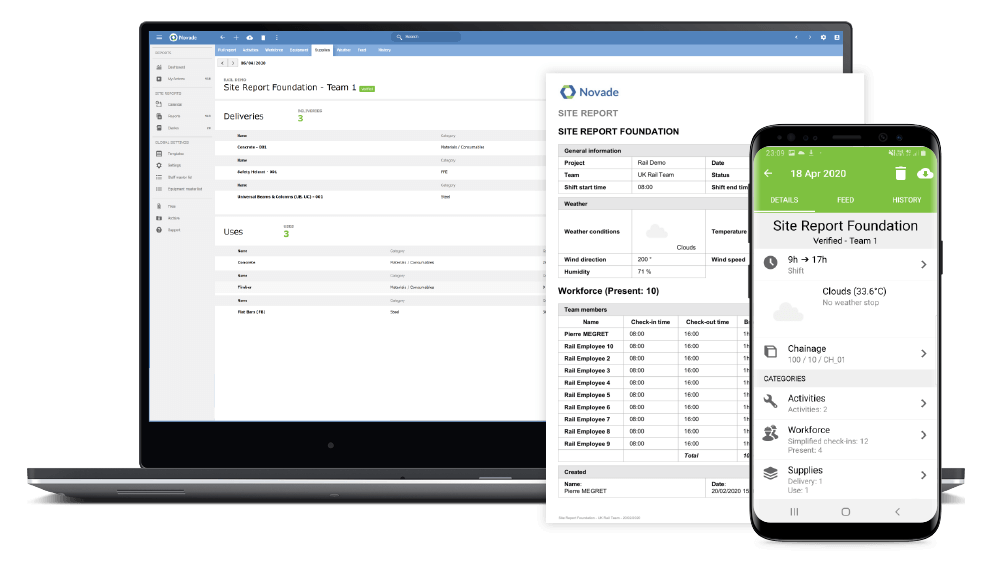
Save 30 minutes per shift on reporting duties
- Save time spent on administrative tasks for site supervisors to let them focus on site activities
- Automate reporting with pre-defined templates, copy options and speech-to-text to facilitate data and site diary entry
- Collaborate: consult reports from other teams in the field or the office
- Reliable data thanks to configurable validation workflows and modification rights
- Generate reports in PDF format
Generate site diaries automatically
- Configure site diary templates to aggregate chosen aspects of your team’s reports
- Review daily site diaries for each data at a glance with the cloud-based construction progress monitoring software
- Modify the aggregated reports while keeping your team’s original reports
- Share tailored reports to your management, clients and stakeholders
- Submit your reports through configurable workflows
- Generate the site diaries in PDF format
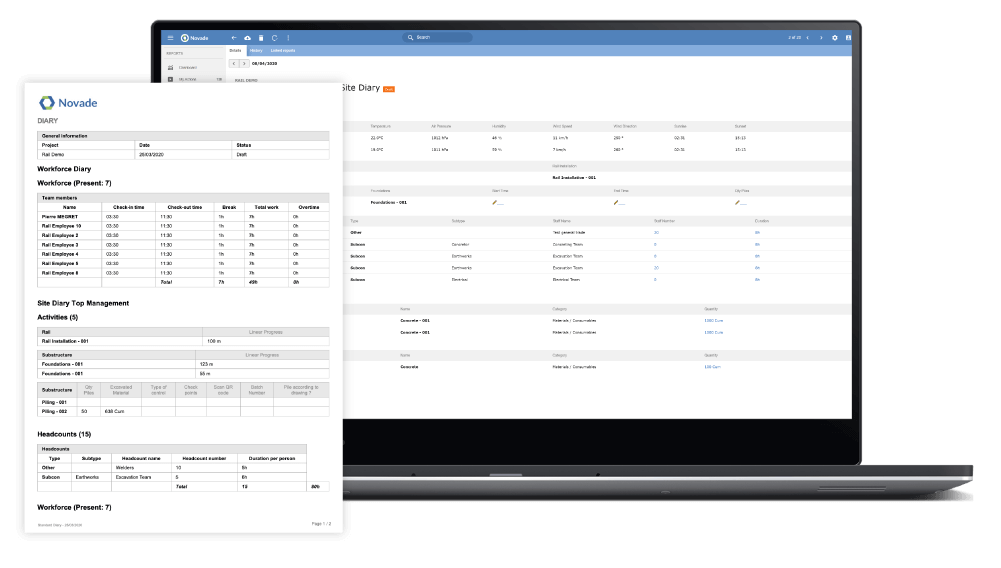
Set up site reports & diaries in minutes
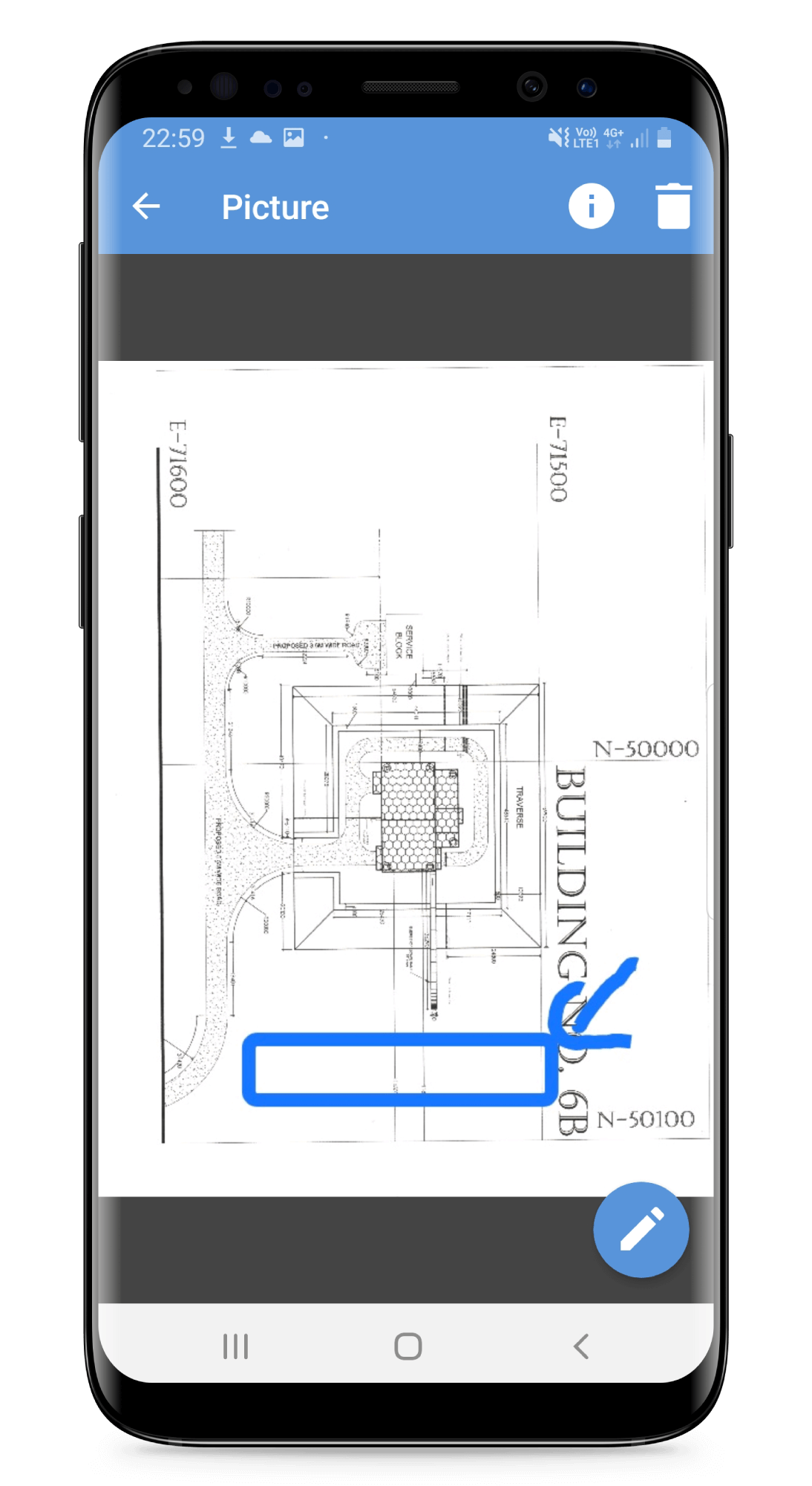
Drawing annotations
Denote areas where progress was made.
Denote areas where progress was made.
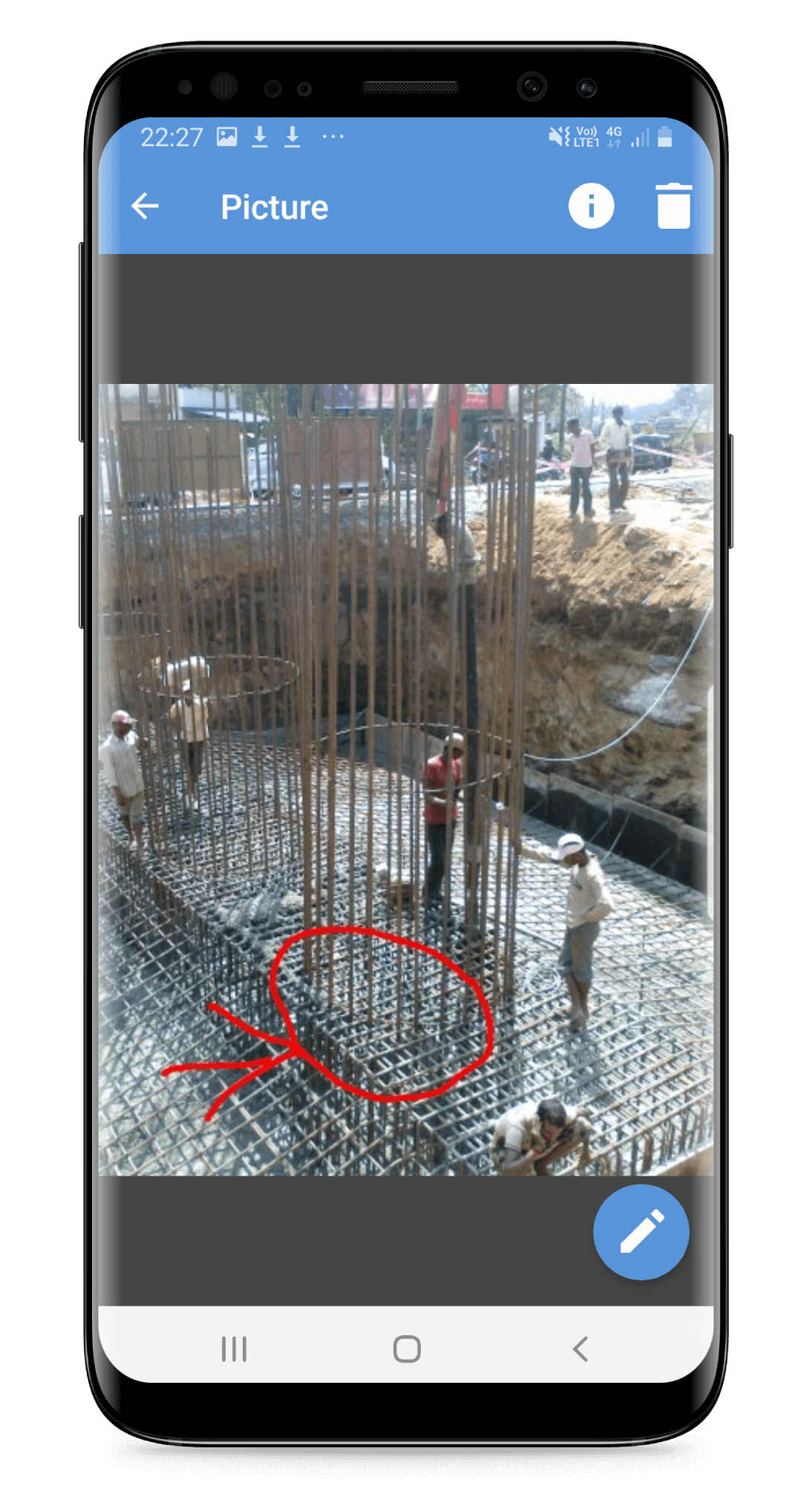
Photo annotations
Point out areas of special attention.
Point out areas of special attention.
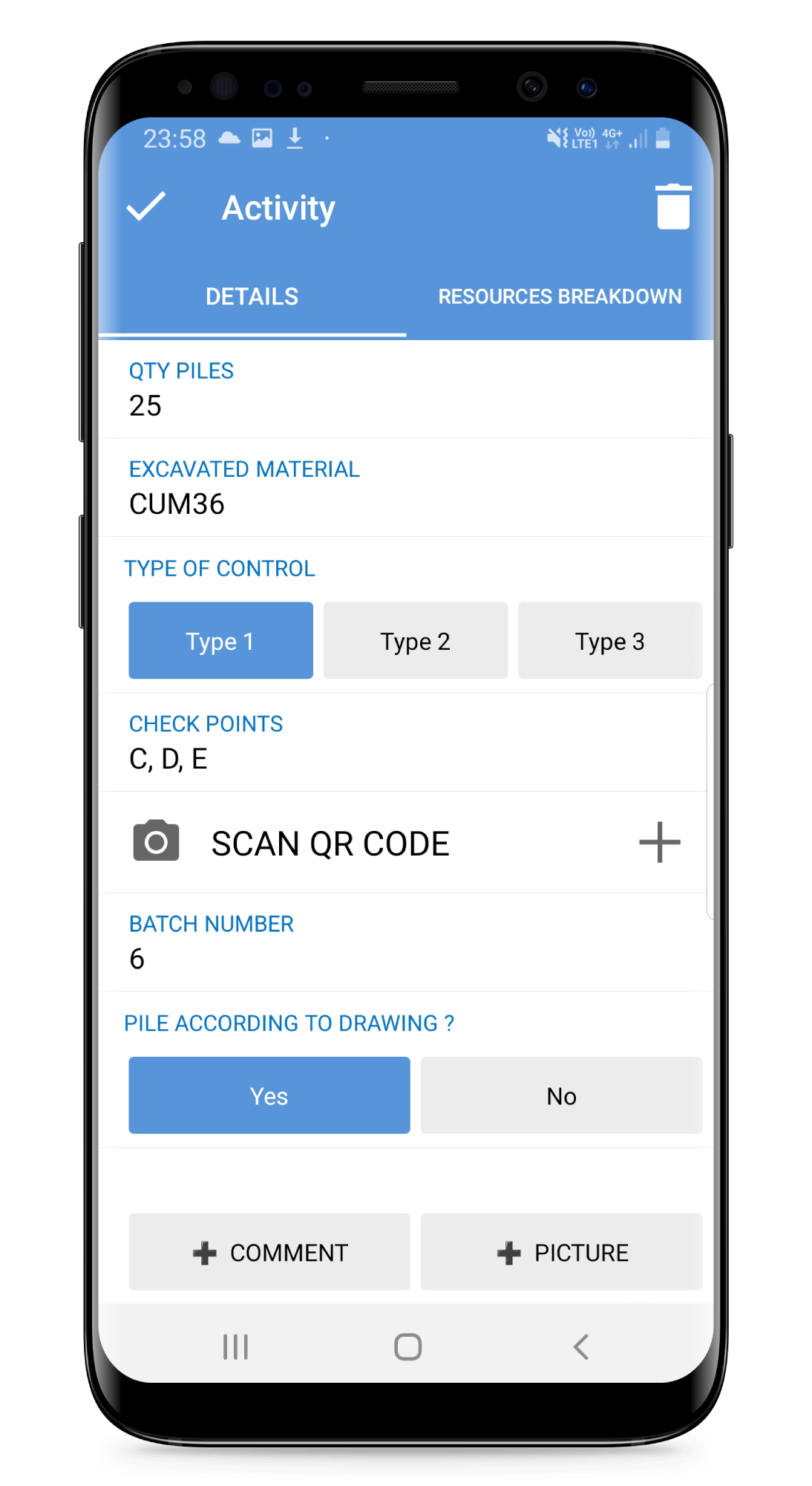
Checklists
Integrate checklists for activities, equipment or deliveries.
Integrate checklists for activities, equipment or deliveries.

GPS location
Locate activities, equipment or deliveries.
Locate activities, equipment or deliveries.
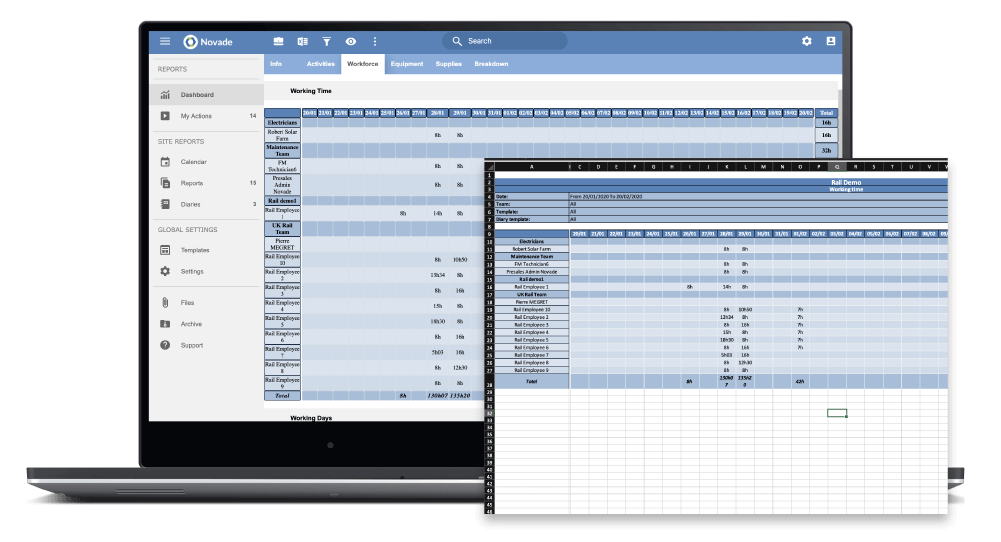
Define & track your metrics on automated dashboards
- Monitor real-time production, project schedule and consumption, consolidated ratios and deviations with Novade’s construction progress tracking software
- Consolidate reporting across various functions to get reliable real-time progress data
- Tailor your table view to your reporting needs:
- Aggregate data by day, week, month, team, report template, activity, structure, and show cumulative value
- Filter data by report template, team, and report creator
- See current and planned total values
- Automate reporting and quickly export your table to Excel for further analysis
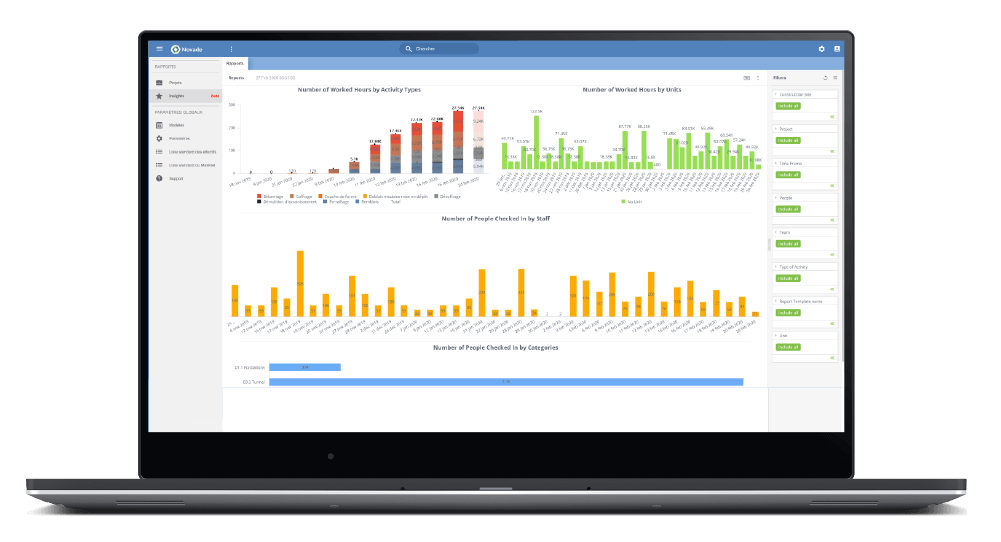
Leverage your data with powerful analytics
- Identify reasons for productivity highs and lows
- Gain insights on your team’s efficiency as well as resource management and usage
- Analyse productivity by activity and building element
- Gather the most accurate productivity ratios from past construction projects to deliver bids at the most accurate price
- Leverage a database of project feedbacks to secure knowledge transfer
Novade Site Diary will substantially improve your business
Visibility
Increase transparency to your organisation and accountability to your teams with real-time progress reporting.
Increase transparency to your organisation and accountability to your teams with real-time progress reporting.
Performance
Drive efficiency and performance by monitoring reliable data on productivity ratios and resource consumption.
Drive efficiency and performance by monitoring reliable data on productivity ratios and resource consumption.
Competitivity
Increase productivity, complete projects successfully and deliver competitive bids on tenders.
Increase productivity, complete projects successfully and deliver competitive bids on tenders.
Read more
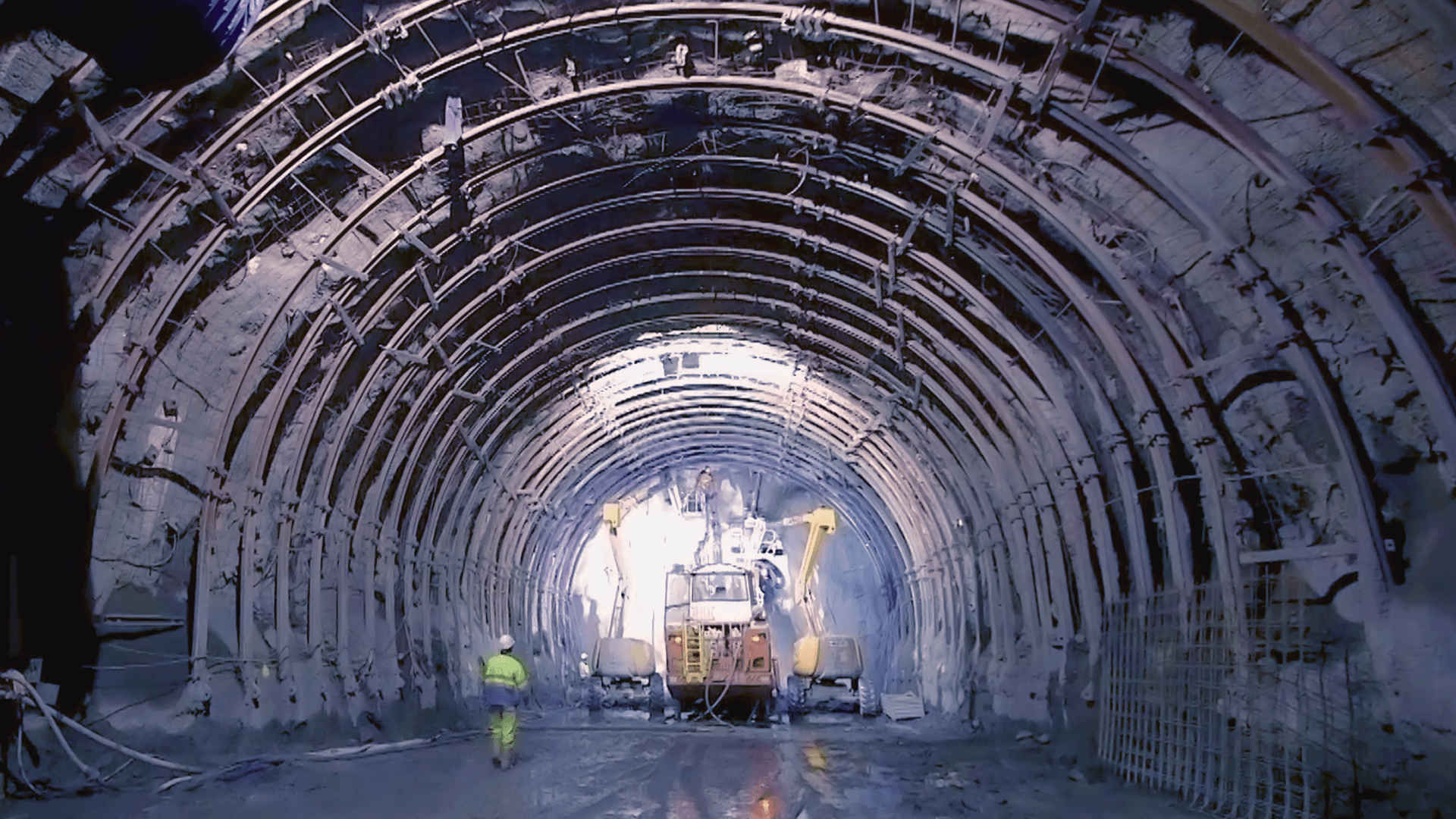
Spie Batignolles and Eiffage Génie Civil enhanced productivity with Novade
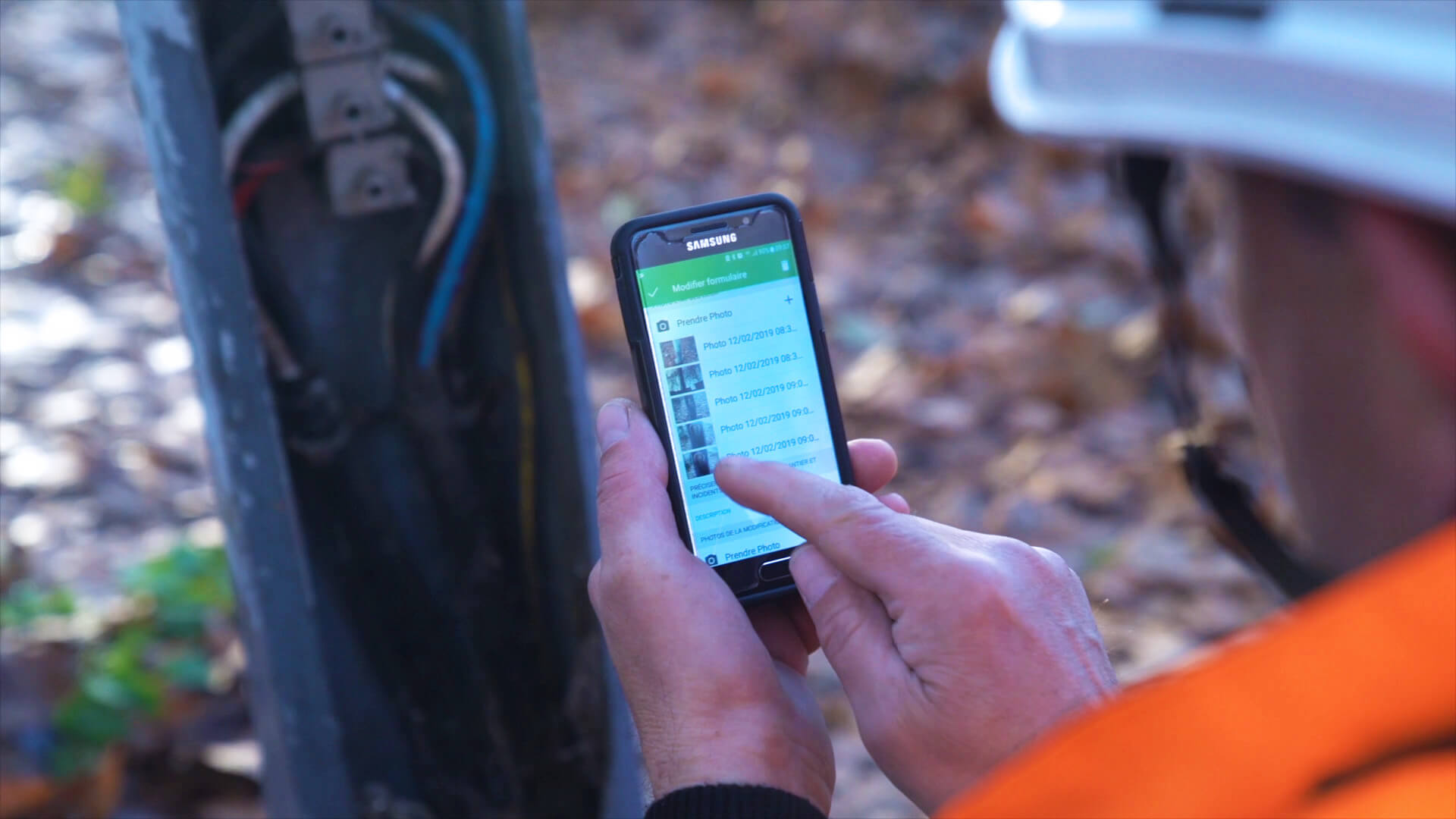
SPIE CityNetworks empowered connectivity with stakeholders
Interested? Schedule a Free Demo