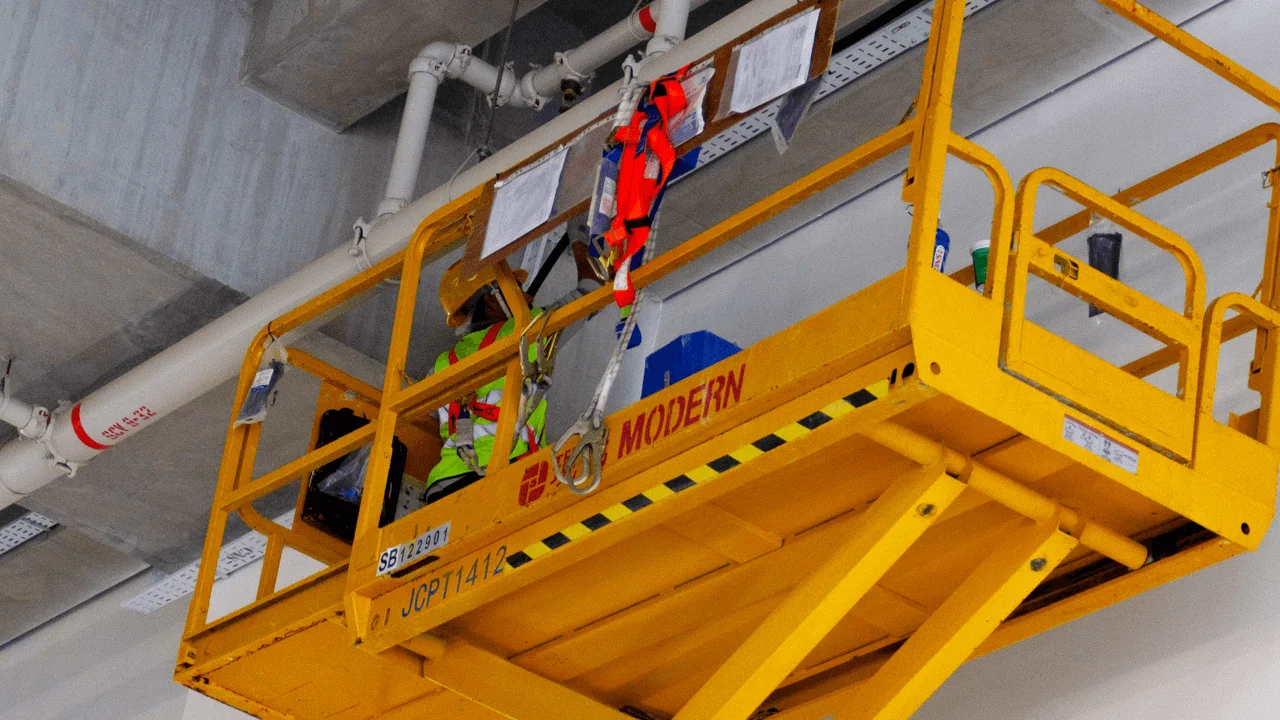
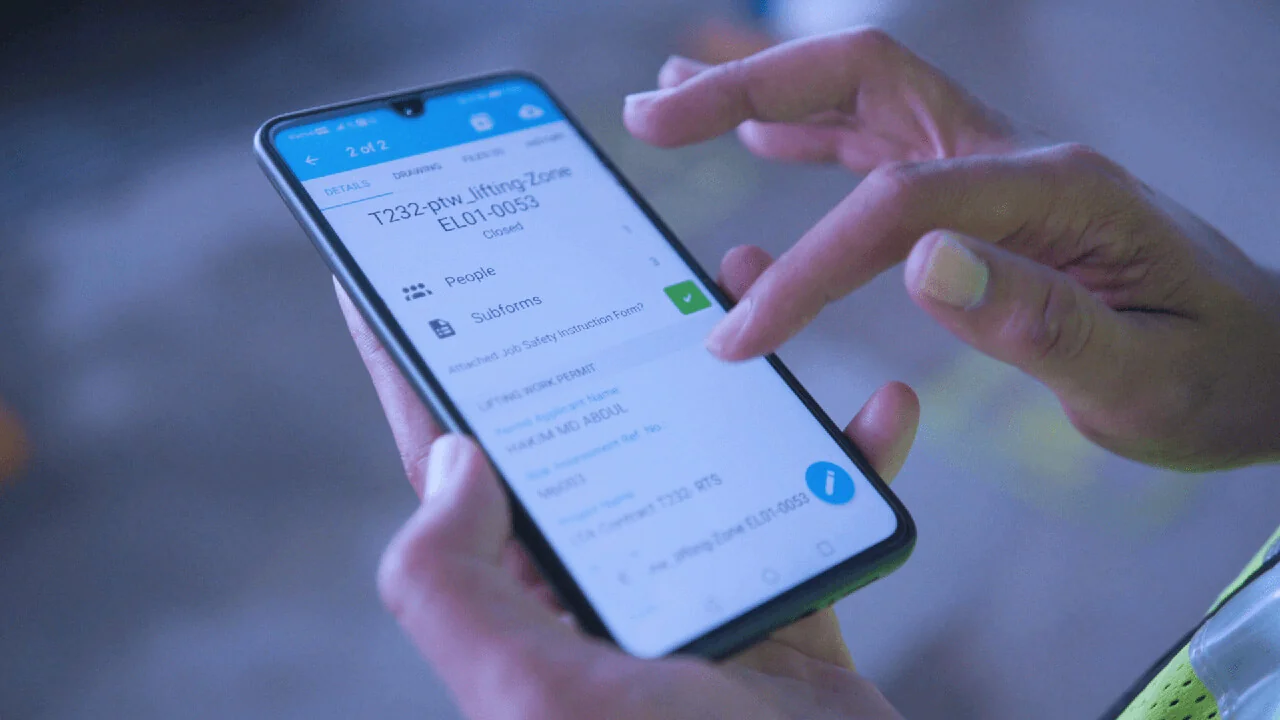
Ensuring workplace safety and health (WSH) is a top priority in Singapore, governed by stringent regulations enforced by the Ministry of Manpower. Recent updates to the WSH regulations emphasise the critical role of electronic permits to work (ePTWs) in enhancing workplace safety, streamlining processes, and ensuring compliance.
What are the new WSH regulations for Electronic Permits to Work?
Main contractors are required to adopt an Electronic Permit to Work System (ePTW) to boost safety and productivity on site for public sector construction and construction-related projects with a value of S$3 million or more. The implementation of ePTWs complies with the WSH Act, which sets stringent safety and health standards across workplaces in Singapore. A circular published in February 2024 provides detailed specifications, 21 key areas, including general requirements, system performance, record retrieval, and training.
Novade complies with WSH specifications on ePTWs
Novade is the leading supplier for construction software in Asia. In Singapore, Novade is adopted by key public agencies, and 70% of A1 contractors use Novade to manage their permits to work. Novade provides a robust platform to manage occupational safety and health protocols effectively. The following chapter covers how Novade meets these specifications, ensuring safety and efficiency in line with the new WSH regulations.
General requirements compliance
- Digital Process: The Novade application generates, submits, and processes paperless permits to work (PTWs).
- Right Information: Novade PTWs include all essential details such as the date, time, requester, assessor, approver, work location, description, pictures, and checkboxes for questionnaires.
- Location: The system can pinpoint the mobile device’s location, and verify that the creation, submission, and approval of the PTW are done on site.
- Workflow Automation: Novade configures workflows to record and acknowledge observations, verify, submit, revoke, or close the ePTW, ensuring that steps cannot be skipped.
- Authentication: Only authorised persons can assess and approve permits to work. Authentication mechanisms are in place to prevent falsification.
- Data Capture: Any field data can be captured, including text, date, multiple photos, and comments. All data is time-stamped, and all records can be audited for investigation purposes.
- Documents: Site drawings, photos, and supporting documents can be attached to the ePTW form and electronically routed to the authorised person for approval, with notifications sent upon submission.
- Expiry: A deadline can be set for the permit expiry, with the system automatically alerting supervisors for follow-up.
- Revoke: An authorised person can revoke a permit to work if it poses a risk to the safety, health, or welfare.
- Real-Time Monitoring: The status of permits to work can be monitored in real-time from mobile devices.
- Dashboard: Web-based dashboards show live permits, closed permits, and permits under review.
- Identification: Each ePTW has a unique identification number.
- Language: The default language of the ePTW is set to English.
System performance, record retrieval and training compliance
- Universal Access: The Novade application is compatible with all major mobile devices powered by Android or iOS, and the application is frequently updated to keep up with mobile system upgrades. The Novade web interface is compatible with the most common browsers available in the market.
- Offline Mode: The Novade application operates in both online and offline modes. The data is synchronised in real time once a live connection is established.
- Records: Digital permit records are accessible anytime and can be shared during audits or inspections.
- PDF Export: The digital ePTW can be converted to PDF format for printing and hard copy reference if needed.
- Excel Export: The ePTW data can be downloaded in MS Excel for statistical analysis.
- Archival: All records are archived on cloud servers and maintained as long as the Novade subscription is active. Clients can also export all PTW PDFs and store them in their own IT systems to comply with the requirement to keep the records for a minimum of five years.
- Reliability: Once a permit to work is closed, it cannot be modified.
- Ease of Use & Support: The Novade application is very popular because it is easy to use in the field. In addition, Novade provides comprehensive guidance and support to ensure that the system is well set up and meets companies’ and project-specific requirements.
Overall, Novade’s electronic permits to work solution fully complies with Singapore’s new WSH regulations.
Getting started with digital permits to work
While adopting digital permits to work is now compulsory on some projects to comply with the Safety and Health Act, companies should look beyond compliance and use this as an opportunity to embrace technology and enhance safe work practices on their sites.
We understand that adopting digital solutions on a construction site is not always easy. However, we know it can be done. Our system has been used around the world for more than 10 years, and every month, millions of processes are managed with the Novade application. Our teams are here to provide guidance, expertise, and support in your digital journey. If you are an SME, you may qualify for a PSG grant. Please contact us find out.